
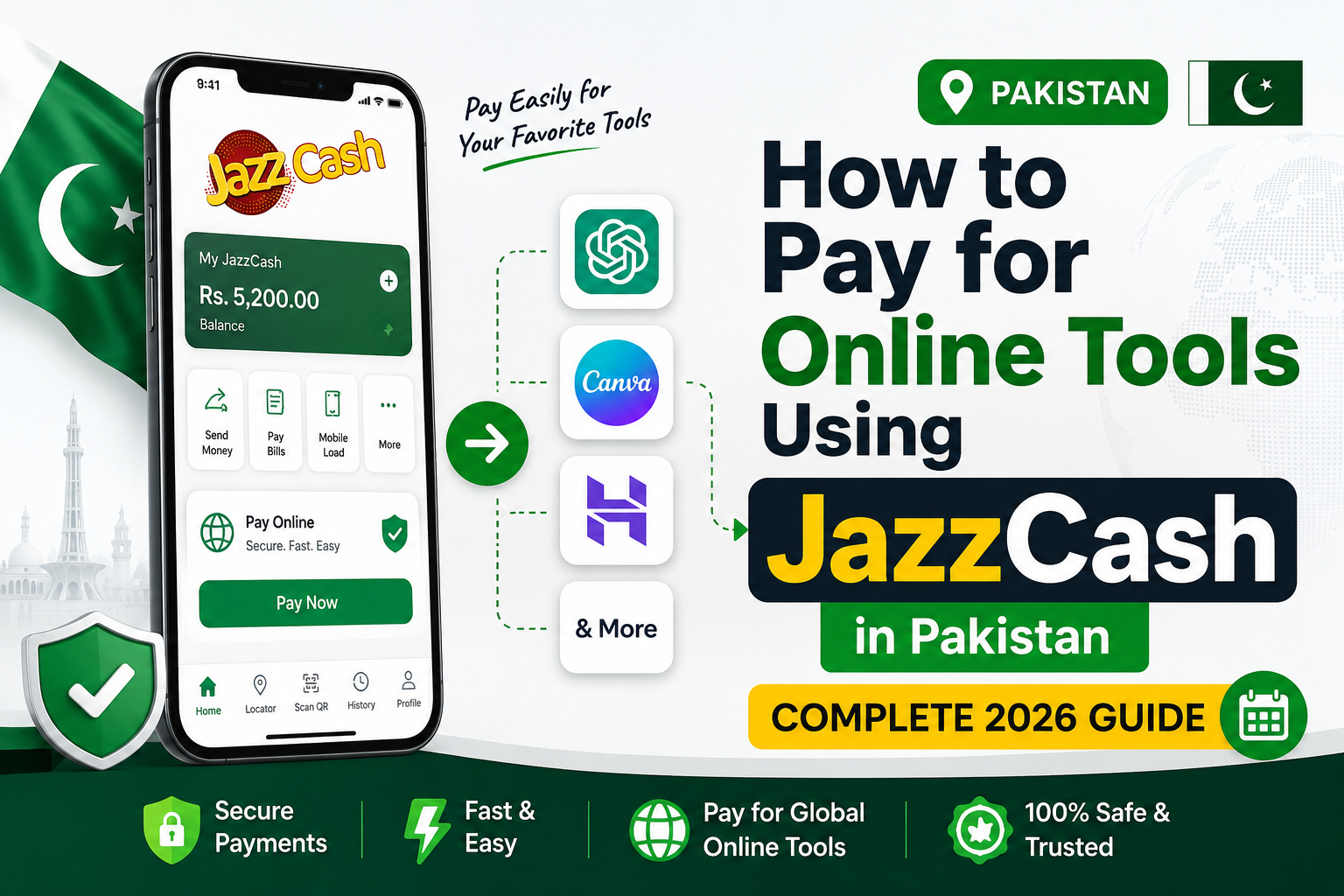
If you’ve ever tried to subscribe to ChatGPT Plus, Canva Pro, or Adobe from Pakistan and watched your payment get declined, you already know the frustration. JazzCash online payment Pakistan is one of the first things most freelancers, students, and small business owners search for when they hit that wall — and for good reason. JazzCash is the country’s most widely used mobile wallet, so it feels like it should just work for everything.
The truth is a little more layered than that, and this guide gives you the complete, updated-for-2026 picture: what JazzCash can pay for directly, what it can’t, and exactly how to bridge the gap so you can subscribe to almost any international tool without a foreign bank account.

What Is JazzCash?
JazzCash is Pakistan’s largest mobile wallet, run by Jazz (Mobilink) in partnership with Mobilink Microfinance Bank. It lets users hold a digital balance, send and receive money, pay bills, buy mobile top-ups, and shop both online and in-store. It’s available to anyone with a CNIC and a mobile number, on any network, and can be managed through the JazzCash app, the *786# USSD code, or a network of agents across the country.
Alongside the wallet itself, JazzCash issues physical debit cards — both PayPak and Mastercard/Visa variants — that link directly to your wallet balance.
Can JazzCash Be Used for International Online Payments?
This is the part most guides get wrong, so let’s be precise about it.
JazzCash’s own debit cards are built for use inside Pakistan. The Mastercard debit card is automatically enabled for online purchases within Pakistan, and JazzCash states plainly that its debit cards cannot be used at international merchants. So if you try to enter your JazzCash Mastercard or Visa card details directly on a foreign checkout page — say, OpenAI’s billing page for ChatGPT Plus — it will almost always be declined, because the transaction never reaches your JazzCash account as a valid domestic charge.
Where JazzCash does work directly is with merchants who’ve specifically integrated JazzCash as a payment option on their own checkout page. This is more common than people assume — Hostinger’s Pakistan site (hostinger.pk), for example, lets you select JazzCash directly at checkout, and a number of local hosting companies, domain resellers, and WooCommerce/WHMCS-based Pakistani businesses do the same through JazzCash’s official payment gateway.

For platforms that don’t offer that direct integration — most big global SaaS tools — the practical solution isn’t to fight with your JazzCash card. It’s to use your JazzCash wallet to fund a card that’s built for international billing, like a SadaPay or NayaPay virtual Visa/Mastercard, or a Wise card. You top that card up using money transferred out of JazzCash (via bank transfer or JazzCash-to-bank options), then use the virtual card’s number, expiry, and CVV at checkout. This two-step “bridge” method is how the vast majority of Pakistani freelancers currently pay for ChatGPT, Adobe, Canva Pro, and similar subscriptions.
Requirements Before Paying Online
Before you start, make sure you have:
- A registered JazzCash account — CNIC-verified, with your mobile number confirmed
- A verified mobile number on the network your JazzCash account is tied to
- A valid CNIC (required for both JazzCash and any bridge-card provider like SadaPay or NayaPay)
- A debit card, if the merchant you’re paying accepts JazzCash directly, or a SadaPay/NayaPay/Wise virtual card if it doesn’t
- Sufficient balance in your JazzCash wallet to cover both the subscription cost and any transfer or conversion fees
Step-by-Step Guide
Path A — Paying a merchant that accepts JazzCash directly (e.g., Hostinger PK):
- Add funds to your JazzCash wallet through an agent, bank transfer, or Raast.
- At checkout, choose Pakistani Rupees as your currency (where offered) and select JazzCash as the payment method.
- You’ll be redirected to the JazzCash payment page — log in with your registered number and MPIN.
- Confirm the amount and complete the transaction. You’ll get an SMS confirmation from JazzCash and an email receipt from the merchant.
Path B — Paying a global tool that doesn’t accept JazzCash directly (e.g., ChatGPT, Canva Pro, Adobe):
- Open a free SadaPay or NayaPay account using your CNIC (typically takes 10–15 minutes).
- Transfer money from your JazzCash wallet to your bank account, then into your SadaPay/NayaPay account — or use Raast for an instant transfer if both apps support it.
- In the SadaPay/NayaPay app, open your virtual card and switch on “international transactions” (this is off by default).
- Load slightly more than the subscription price to cover currency conversion — aim for at least 15–20% extra on a $10–20 subscription.
- On the tool’s checkout page, enter the virtual card’s number, expiry date, and CVV, along with your name and a Pakistani billing address.
- Approve any 3D Secure/OTP prompt sent to your phone, and keep your phone unlocked so the confirmation pop-up isn’t missed.
How to Pay for Popular Online Tools
| Tool | Does JazzCash Work Directly? | What You’ll Actually Use |
|---|---|---|
| ChatGPT (OpenAI) | No | SadaPay/NayaPay/Wise virtual card |
| Canva Pro | No | SadaPay/NayaPay/Wise virtual card, or PayPal if linked |
| Hostinger | Yes | JazzCash selectable directly at Hostinger PK checkout |
| Namecheap | No | International virtual card (some local domain resellers accept JazzCash instead of Namecheap directly) |
| Envato Elements | No | SadaPay/NayaPay/Wise virtual card |
| Adobe (Creative Cloud) | No | International virtual card |
| CapCut Pro | No | SadaPay/NayaPay/Wise virtual card |
| Figma | No | International virtual card |
| Grammarly | No | International virtual card |
| Zoom | No | International virtual card |
| GitHub (Copilot/Pro) | No | International virtual card |
| Google Workspace | No | International virtual card, or a local reseller invoice |
The pattern is consistent: JazzCash pays directly only where a business has built JazzCash into its own checkout. Everywhere else, JazzCash’s role is to fund the bridge card that the international platform actually accepts.

Alternative Payment Methods
- SadaPay — Free virtual Mastercard, strong for freelancers receiving USD, around 6% markup plus a flat fee on smaller international transactions
- NayaPay — Free Visa card, generally cheaper for outbound international spending (roughly 3.5–4%), solid POS reliability
- Meezan Bank Visa Debit Card — Works internationally once activated for e-commerce through the bank
- UBL Debit/Credit Card — International usage needs to be enabled by calling UBL or through the mobile app
- HBL Debit/Credit Card — Similar activation process through HBL’s call center or app
- Bank Alfalah Debit Card — Supports international e-commerce once the feature is switched on
Common Payment Errors and Fixes
- Payment Failed — Usually a mismatch between the merchant’s currency and your card issuer’s supported currencies. Try a bridge card instead of a local bank card.
- International Transaction Declined — Your card (JazzCash, or a local bank card) isn’t enabled for international e-commerce. Enable it through your bank, or switch to SadaPay/NayaPay with international transactions turned on.
- Card Declined — Double-check the card number, expiry, and CVV; confirm there’s enough balance including fees.
- OTP Problems — Keep your phone unlocked and in signal range during checkout; the OTP pop-up won’t appear on a locked screen.
- Insufficient Funds — Add a buffer of 15–20% above the sticker price to absorb conversion fees before you attempt payment.
- Currency Conversion Issues — If a charge in USD looks off, check whether your provider (SadaPay, NayaPay, or your bank) added its own markup on top of the card network’s own conversion rate.
Fees You Should Expect
- Transaction charges — JazzCash itself doesn’t charge for using the wallet to pay merchants that accept it directly; bridge-card providers may apply a small international transaction fee
- Currency conversion — Expect a combined markup of roughly 2.5–4% when paying in USD through a Pakistani-issued virtual card, once both the provider’s margin and the card network’s own conversion fee are counted
- Taxes — Some digital services add Pakistan’s withholding tax or GST at checkout depending on the vendor; this appears on the merchant’s invoice, not on JazzCash’s side
Security Tips
- Only enter your JazzCash MPIN or card details on the official JazzCash app or a merchant’s real checkout page — never through a link sent over SMS or WhatsApp
- Stick to official websites for every tool you’re subscribing to; avoid “discounted” third-party resellers you haven’t verified
- Turn on two-factor authentication for JazzCash, SadaPay, or NayaPay wherever it’s offered
- Never share your OTP or MPIN with anyone, including someone claiming to be from JazzCash support
- Before entering card details, check that the payment page URL matches the tool’s actual domain
Pros and Cons
| Pros | Cons |
|---|---|
| Instant setup with just a CNIC and mobile number | Debit cards don’t work at most international merchants |
| No monthly fees for the basic wallet | Requires a bridge card for most global SaaS tools |
| Works directly with a growing list of Pakistani-integrated merchants like Hostinger | Currency conversion adds a few percent to every payment |
| Huge agent network for cash top-ups | International transactions must be enabled separately, and are sometimes unreliable |
JazzCash vs SadaPay vs NayaPay
| Feature | JazzCash | SadaPay | NayaPay |
|---|---|---|---|
| Best for | Local wallet payments, bills, agent cash-in | Freelancers receiving USD, best conversion rates | Reliable everyday international spending |
| International online payments | Not supported on JazzCash’s own cards | Supported via virtual Mastercard | Supported via virtual Visa card |
| Setup requirement | CNIC + mobile number | CNIC, app-based onboarding | CNIC, app-based onboarding |
| Typical international markup | Not applicable | ~6% plus flat fee on small transactions | ~3.5–4% |
| Physical card | Yes (PayPak/Mastercard/Visa) | Yes, optional | Yes, optional |

Frequently Asked Questions
1. Can I use JazzCash to pay for ChatGPT Plus directly?
No. JazzCash’s debit cards are restricted to domestic use, so you’ll need a SadaPay, NayaPay, or Wise virtual card funded from your JazzCash balance instead.
2. Why does my JazzCash card get declined on international websites?
Because JazzCash debit cards are enabled for online purchases within Pakistan only, not for international merchants.
3. Does Hostinger accept JazzCash?
Yes — Hostinger’s Pakistan site lets you select JazzCash directly at checkout alongside cards and crypto.
4. Is SadaPay or NayaPay better for paying international subscriptions?
NayaPay is generally cheaper for outbound spending, while SadaPay tends to offer better rates if you’re also receiving international payments as a freelancer.
5. Do I need a credit card to subscribe to Canva Pro from Pakistan?
No — a debit card enabled for international e-commerce, or a SadaPay/NayaPay virtual card, works just as well.
6. How much extra should I add for currency conversion?
Budget roughly 15–20% above the subscription’s advertised USD price to safely cover conversion and provider fees.
7. Can I use my regular bank debit card instead of JazzCash?
Yes, if your bank has enabled it for international online transactions — call your bank’s helpline or toggle it in your banking app.
8. Why do subscriptions sometimes fail again after a few months even though the first payment worked?
International platforms periodically re-verify stored cards for fraud checks, and virtual cards occasionally fail that re-check, requiring you to re-enter the card.
9. Is it safe to give my JazzCash-funded virtual card details to global platforms?
Yes, as long as you’re on the tool’s official website and the provider (SadaPay, NayaPay, Wise) is a regulated fintech.
10. Can JazzCash be used to buy a domain name?
Not from Namecheap directly, but some Pakistan-based domain resellers accept JazzCash on their own checkout pages.
11. What’s the cheapest way to pay for multiple international subscriptions long-term?
A Wise card tends to work out cheaper over many months since its markup is generally lower than SadaPay’s, though setup takes a bit longer.
12. Does JazzCash charge extra for topping up SadaPay or NayaPay?
JazzCash itself doesn’t add a special fee for the transfer, but moving money between wallets and banks can involve standard transfer charges depending on the route you use.
Expert Tips
- Keep a small backup balance on both SadaPay and NayaPay — outages happen, and having two options means a failed payment doesn’t ruin your deadline
- Always toggle “international transactions” on before attempting any global checkout; it’s off by default on most Pakistani virtual cards
- For recurring subscriptions, top up a little more than the exact price so a small conversion-rate swing doesn’t cause a failed renewal
- If a Pakistani reseller offers the exact same tool for less, verify it’s an authorized reseller before switching — a login-sharing deal isn’t the same as your own account
Conclusion
JazzCash is genuinely useful for online payments in Pakistan — it’s just not a one-size-fits-all international payment method. Use it directly wherever a merchant like Hostinger has built it into checkout, and use it as the funding source behind a SadaPay, NayaPay, or Wise card everywhere else. Once you understand which lane each tool falls into, paying for ChatGPT, Canva Pro, Adobe, or any other global tool from Pakistan becomes a five-minute task instead of a recurring headache. Bookmark this guide — as more platforms add local payment integrations in 2026, we’ll keep it updated.